> ## Documentation Index
> Fetch the complete documentation index at: https://docs.pillsoftware.com/llms.txt
> Use this file to discover all available pages before exploring further.
# In-checkout validation
> Prevent invalid shipping addresses before checkout completion with house number checks, name checks, email typo checks, regex rules, and field limits.
## In-checkout validation
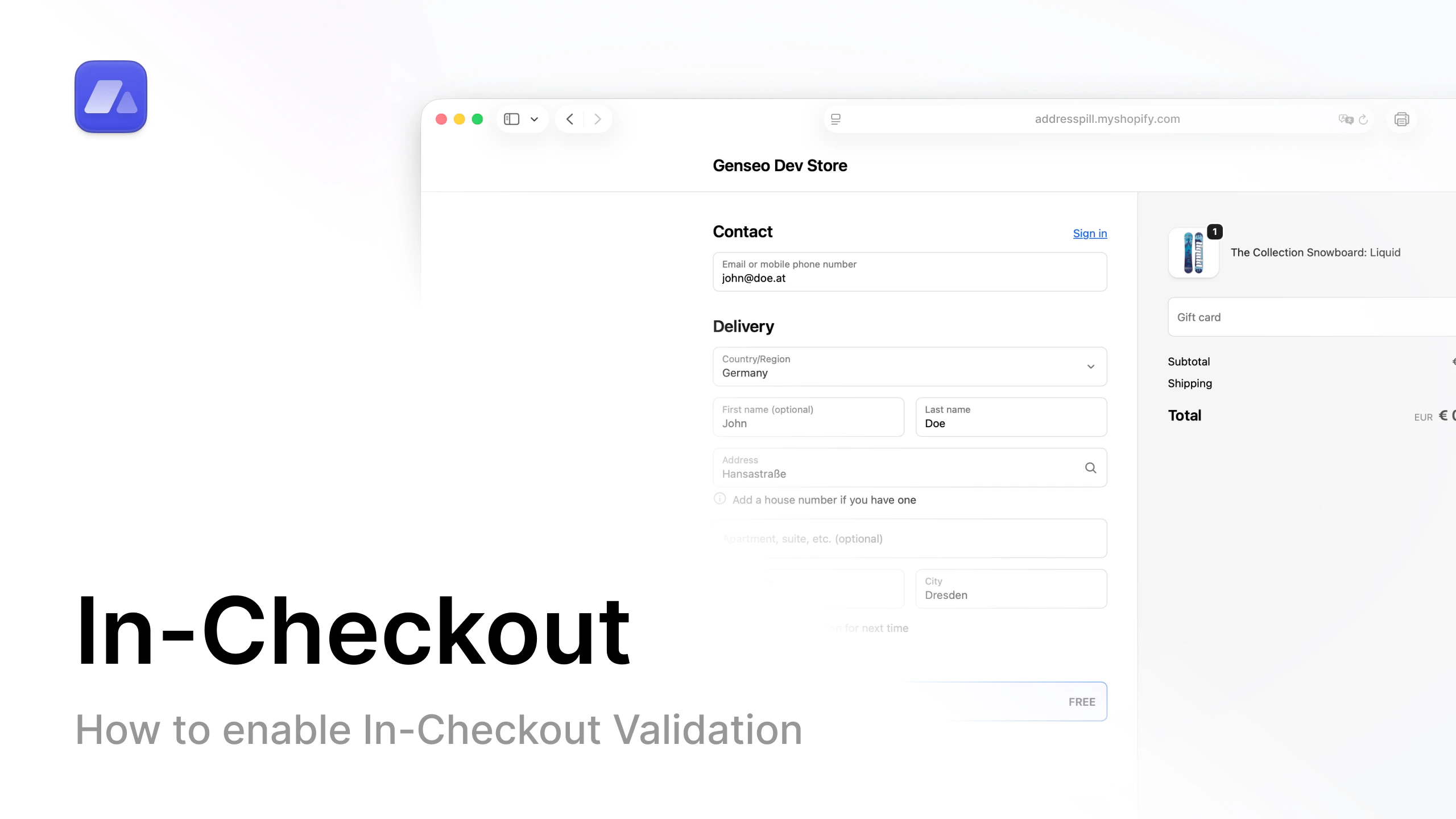 Open the in-checkout setup video on YouTube.
### What this does
AddressPill validates the shipping address while the customer is still in checkout.
### Why this matters
You catch issues before payment. This reduces bad addresses entering your fulfillment pipeline.
### What you can control
* Require house number
* Check duplicate first/last name
* Detect special characters in address fields
* Detect common email typos
* Block with custom regex pattern
* Set field length limits for address, name, and company
* Choose rule behavior: **warning** or **block checkout**
### Where to configure
Open [In-checkout settings](/settings/in-checkout-validation-rules).
## FAQ
### Which issues can in-checkout validation catch?
It can catch missing house numbers, duplicate names, special characters, email typos, regex matches, and field length violations.
### Should I use warning or block mode?
Use warning mode first for safe rollout, then enable block mode for critical rules.
### Where do I configure in-checkout rules?
In **Settings > In-checkout validation**.
Open the in-checkout setup video on YouTube.
### What this does
AddressPill validates the shipping address while the customer is still in checkout.
### Why this matters
You catch issues before payment. This reduces bad addresses entering your fulfillment pipeline.
### What you can control
* Require house number
* Check duplicate first/last name
* Detect special characters in address fields
* Detect common email typos
* Block with custom regex pattern
* Set field length limits for address, name, and company
* Choose rule behavior: **warning** or **block checkout**
### Where to configure
Open [In-checkout settings](/settings/in-checkout-validation-rules).
## FAQ
### Which issues can in-checkout validation catch?
It can catch missing house numbers, duplicate names, special characters, email typos, regex matches, and field length violations.
### Should I use warning or block mode?
Use warning mode first for safe rollout, then enable block mode for critical rules.
### Where do I configure in-checkout rules?
In **Settings > In-checkout validation**.