> ## Documentation Index
> Fetch the complete documentation index at: https://docs.pillsoftware.com/llms.txt
> Use this file to discover all available pages before exploring further.
# Post-checkout validation
> Validate addresses after purchase on Thank You and Order Status pages with correction windows, normalization, and low-risk auto-fixes.
## Post-checkout validation
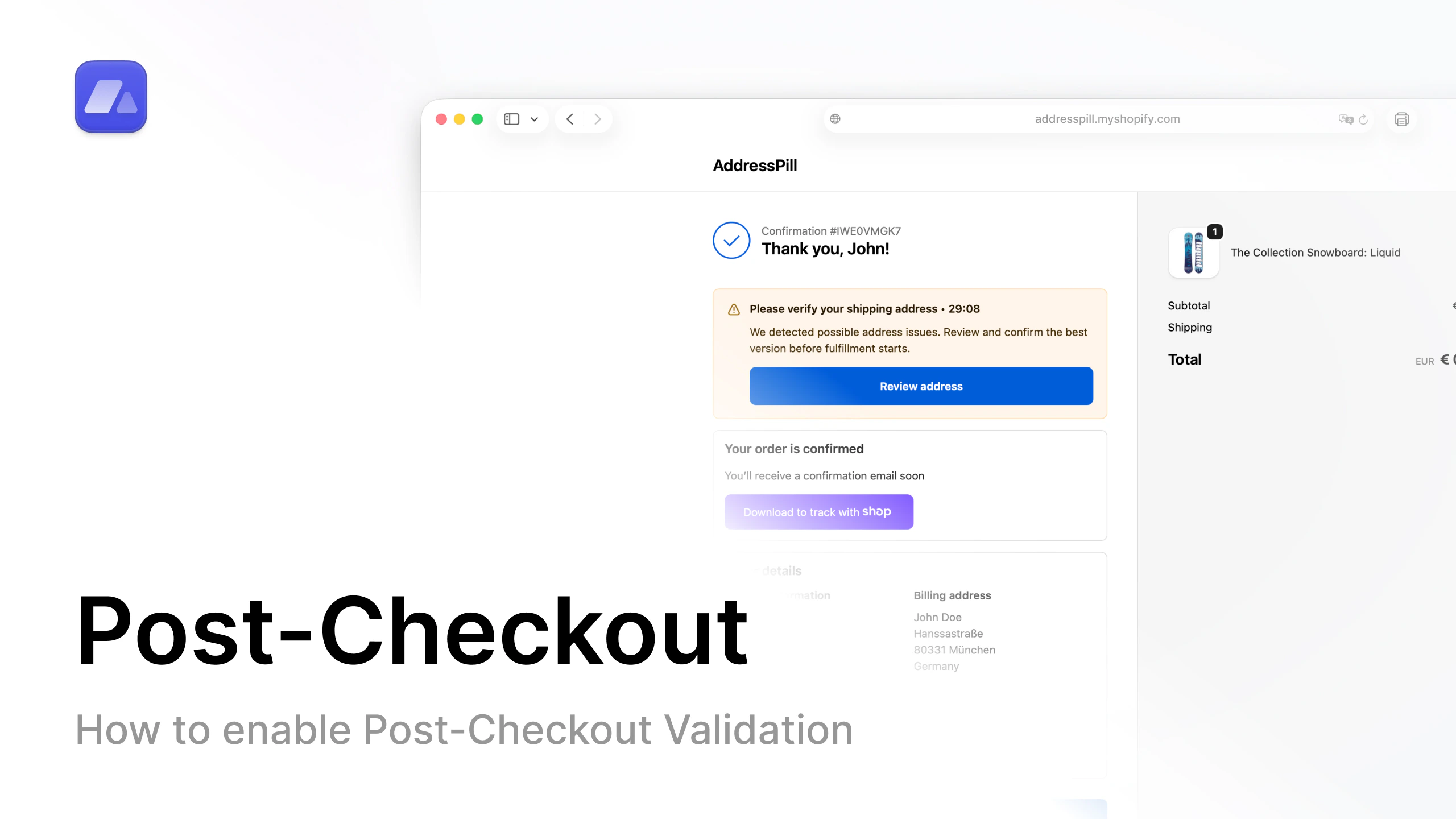 Open the post-checkout setup video on YouTube.
### What this does
AddressPill validates addresses after purchase on the Thank You and Order Status pages.
### Why this matters
You can keep checkout smooth while still catching and fixing risky addresses.
### What you can control
* Allow house number in address line 2
* Validate duplicate names after checkout
* Automatic normalization:
* ZIP formatting
* spacing fixes
* move house number to address line 1
* remove stray leading zero in house number
* Auto-apply small low-risk corrections (city/ZIP/region)
* Set customer correction window (minutes)
### Where to configure
Open [Post-checkout settings](/settings/post-checkout-validation-rules).
## FAQ
### What is post-checkout validation in AddressPill?
It is address validation that runs after order placement, not during checkout.
### Can AddressPill auto-fix small address issues?
Yes, you can enable low-risk auto-corrections for city, ZIP, and region typos.
### Can customers still correct their address after checkout?
Yes, based on the correction window you set in post-checkout settings.
Open the post-checkout setup video on YouTube.
### What this does
AddressPill validates addresses after purchase on the Thank You and Order Status pages.
### Why this matters
You can keep checkout smooth while still catching and fixing risky addresses.
### What you can control
* Allow house number in address line 2
* Validate duplicate names after checkout
* Automatic normalization:
* ZIP formatting
* spacing fixes
* move house number to address line 1
* remove stray leading zero in house number
* Auto-apply small low-risk corrections (city/ZIP/region)
* Set customer correction window (minutes)
### Where to configure
Open [Post-checkout settings](/settings/post-checkout-validation-rules).
## FAQ
### What is post-checkout validation in AddressPill?
It is address validation that runs after order placement, not during checkout.
### Can AddressPill auto-fix small address issues?
Yes, you can enable low-risk auto-corrections for city, ZIP, and region typos.
### Can customers still correct their address after checkout?
Yes, based on the correction window you set in post-checkout settings.