> ## Documentation Index
> Fetch the complete documentation index at: https://docs.pillsoftware.com/llms.txt
> Use this file to discover all available pages before exploring further.
# General walkthrough
> Learn the AddressPill dashboard, key metrics, quick actions, and settings so you can launch Shopify address validation with confidence.
## General walkthrough
This page gives you a quick tour of AddressPill.
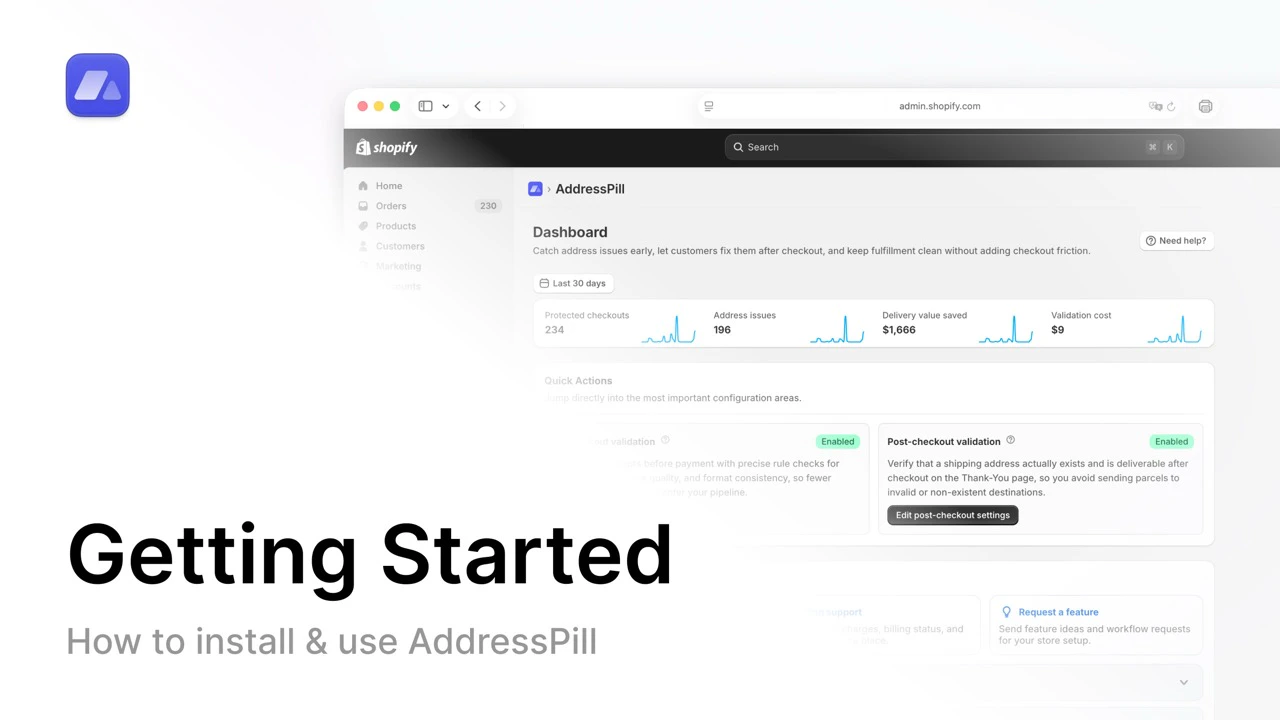 Open the full walkthrough video on YouTube.
## Dashboard metrics
When you open AddressPill, you see 4 main numbers:
* **Protected checkouts**: how many checkouts were validated
* **Address issues**: how many address problems were detected
* **Delivery value saved**: estimated value saved by avoiding failed deliveries
* **Validation cost**: your validation-related spend
These numbers help you understand impact at a glance.
## Quick actions
Under the metrics, you see **Quick Actions**:
* **In-checkout validation**
* **Post-checkout validation**
Use these shortcuts to open the most important setup areas quickly.
## Sidebar areas (simple explanation)
* **Settings**: where you configure all validation behavior
* **Support & Billing**: support and plan management
## Settings tabs you should know
Inside **Settings**, you can configure:
1. **In-checkout validation**
2. **Post-checkout validation**
3. **Packing stations / PO Boxes**
4. **Tag orders**
5. **Orders on hold**
6. **Automations**
Each of these is explained in the **Features** and **Settings** sections of this documentation.
## FAQ
### What are the four dashboard metrics in AddressPill?
Protected checkouts, Address issues, Delivery value saved, and Validation cost.
### Where can I configure all validation behavior?
In the **Settings** area of AddressPill.
### Which settings tabs are most important for beginners?
Start with In-checkout validation, Post-checkout validation, Tag orders, and Orders on hold.
Open the full walkthrough video on YouTube.
## Dashboard metrics
When you open AddressPill, you see 4 main numbers:
* **Protected checkouts**: how many checkouts were validated
* **Address issues**: how many address problems were detected
* **Delivery value saved**: estimated value saved by avoiding failed deliveries
* **Validation cost**: your validation-related spend
These numbers help you understand impact at a glance.
## Quick actions
Under the metrics, you see **Quick Actions**:
* **In-checkout validation**
* **Post-checkout validation**
Use these shortcuts to open the most important setup areas quickly.
## Sidebar areas (simple explanation)
* **Settings**: where you configure all validation behavior
* **Support & Billing**: support and plan management
## Settings tabs you should know
Inside **Settings**, you can configure:
1. **In-checkout validation**
2. **Post-checkout validation**
3. **Packing stations / PO Boxes**
4. **Tag orders**
5. **Orders on hold**
6. **Automations**
Each of these is explained in the **Features** and **Settings** sections of this documentation.
## FAQ
### What are the four dashboard metrics in AddressPill?
Protected checkouts, Address issues, Delivery value saved, and Validation cost.
### Where can I configure all validation behavior?
In the **Settings** area of AddressPill.
### Which settings tabs are most important for beginners?
Start with In-checkout validation, Post-checkout validation, Tag orders, and Orders on hold.