> ## Documentation Index
> Fetch the complete documentation index at: https://docs.pillsoftware.com/llms.txt
> Use this file to discover all available pages before exploring further.
# In-checkout setup
> Enable AddressPill in-checkout validation in app settings and Shopify Checkout rules to stop invalid shipping addresses before order placement.
## In-checkout validation setup
In-checkout validation checks the shipping address **inside Shopify checkout**, before the customer places the order.
It helps you stop invalid addresses early.
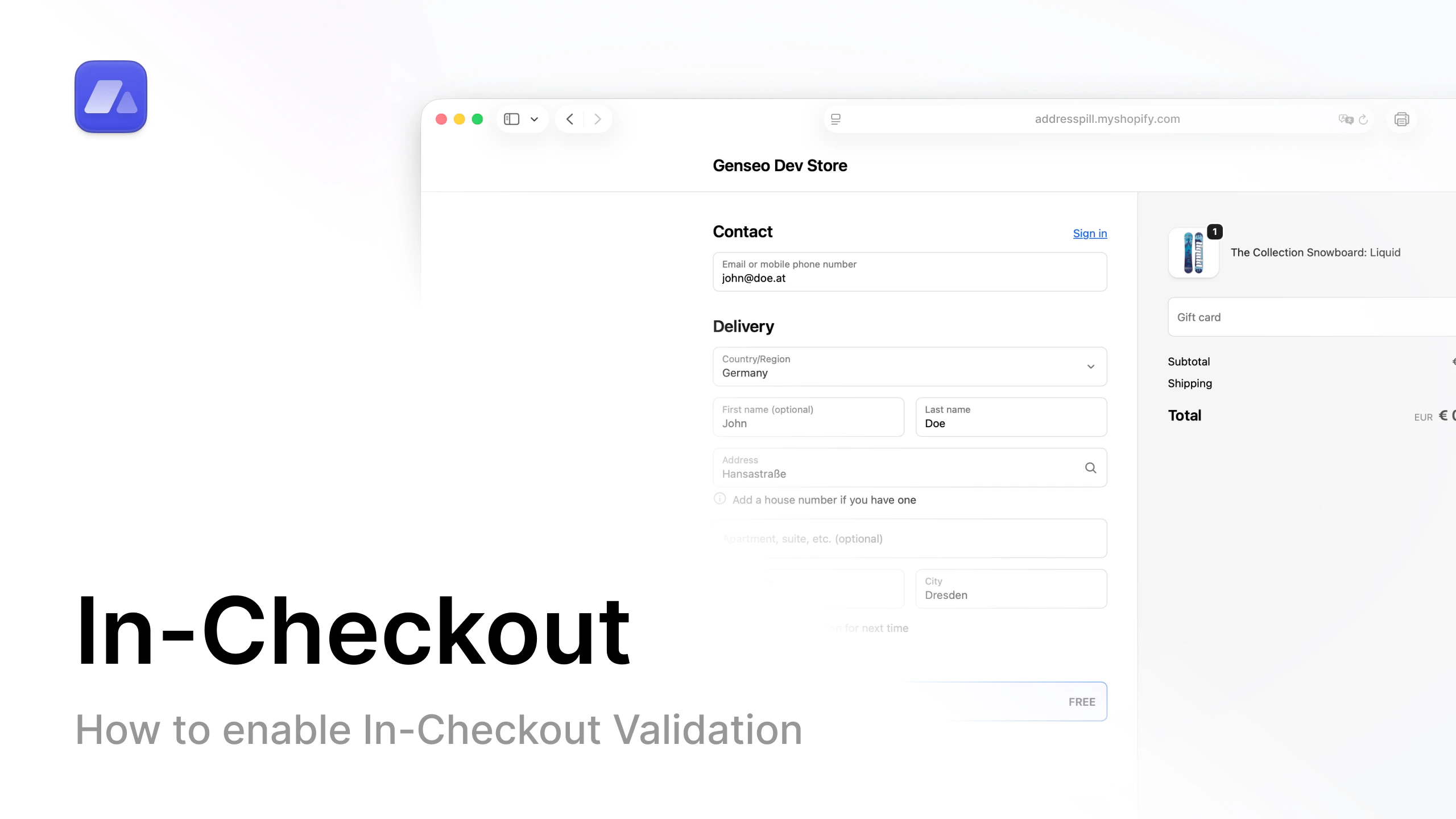 Open the in-checkout setup video on YouTube.
## Step-by-step
1. In AddressPill, open **Settings**.
2. If you do not have a plan yet, choose a plan first.
3. Turn on **In-checkout validation**.
4. Enable the checkout rules you want.
5. Click **Save settings**.
6. In Shopify admin, open **Settings** (bottom-left).
7. Open **Checkout**.
8. Scroll down to **Checkout rules**.
9. Open **AddressPill Checkout Validation**.
10. Click **Turn on**.
11. Select **Allow all customers to complete checkout**.
12. Click **Save**.
## Result
In-checkout validation is now active for your store.
Customers get address feedback during checkout based on your selected rules.
## FAQ
### What does in-checkout validation do in Shopify?
It validates the shipping address during checkout before the customer places the order.
### Why do I need both AddressPill settings and Shopify Checkout rules?
AddressPill defines the rules, and Shopify Checkout rules activates the checkout validation extension.
### Which Shopify option should I select when turning it on?
Select **Allow all customers to complete checkout**, then save.
Open the in-checkout setup video on YouTube.
## Step-by-step
1. In AddressPill, open **Settings**.
2. If you do not have a plan yet, choose a plan first.
3. Turn on **In-checkout validation**.
4. Enable the checkout rules you want.
5. Click **Save settings**.
6. In Shopify admin, open **Settings** (bottom-left).
7. Open **Checkout**.
8. Scroll down to **Checkout rules**.
9. Open **AddressPill Checkout Validation**.
10. Click **Turn on**.
11. Select **Allow all customers to complete checkout**.
12. Click **Save**.
## Result
In-checkout validation is now active for your store.
Customers get address feedback during checkout based on your selected rules.
## FAQ
### What does in-checkout validation do in Shopify?
It validates the shipping address during checkout before the customer places the order.
### Why do I need both AddressPill settings and Shopify Checkout rules?
AddressPill defines the rules, and Shopify Checkout rules activates the checkout validation extension.
### Which Shopify option should I select when turning it on?
Select **Allow all customers to complete checkout**, then save.