> ## Documentation Index
> Fetch the complete documentation index at: https://docs.pillsoftware.com/llms.txt
> Use this file to discover all available pages before exploring further.
# Post-checkout setup
> Set up post-checkout validation on Thank You and Order Status pages to detect and resolve shipping address issues after purchase.
## Post-checkout validation setup
Post-checkout validation runs **after checkout**.
It checks addresses on the **Thank You** and **Order Status** pages.
This is useful if you want lower checkout friction while still catching issues.
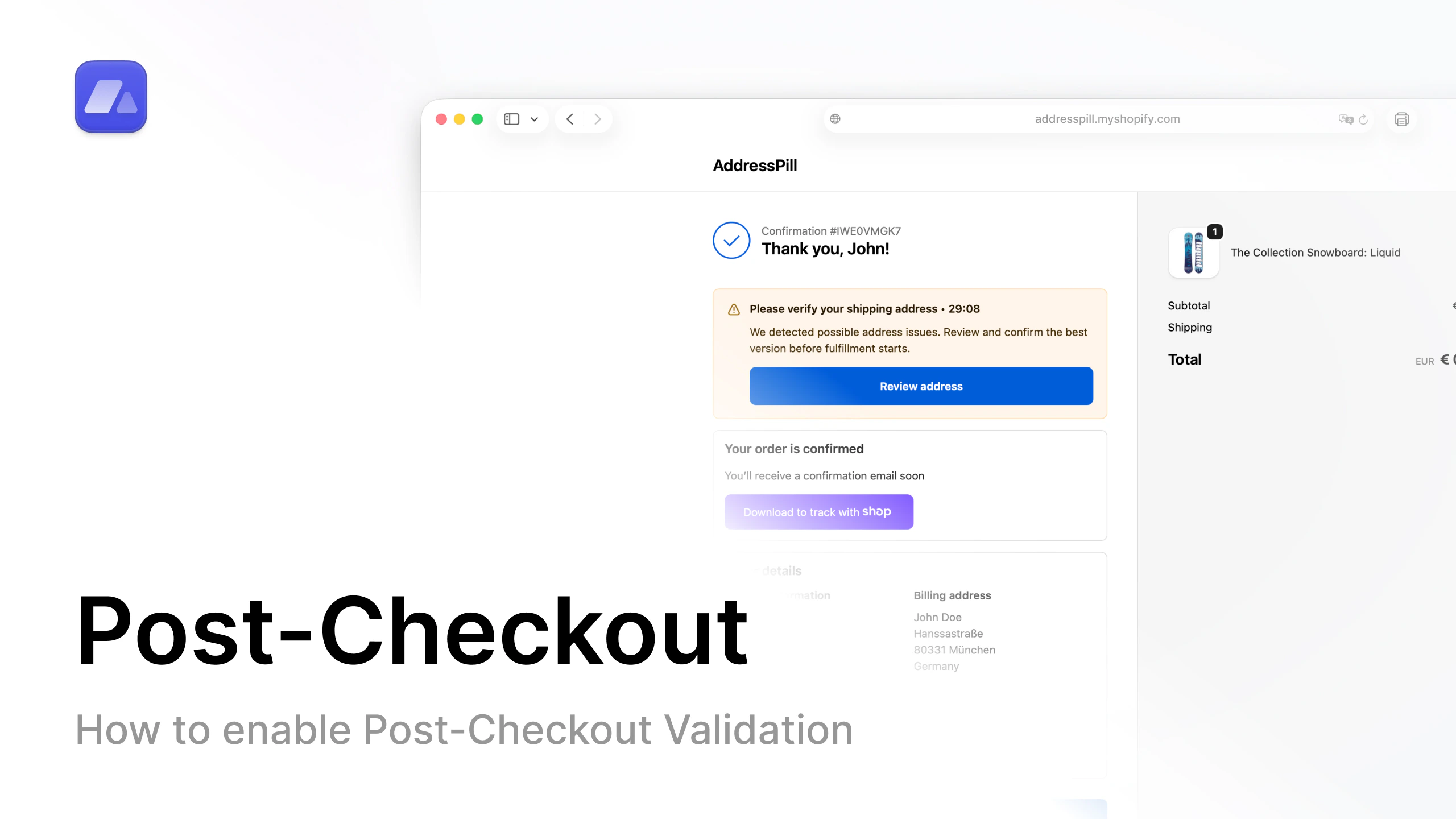 Open the post-checkout setup video on YouTube.
## Step-by-step
1. In AddressPill, open **Settings**.
2. Open the **Post-checkout validation** tab.
3. If you do not have an active subscription, choose a plan.
4. Turn on **Post-checkout validation**.
5. Enable the post-checkout features you want.
6. Click **Save settings**.
7. In Shopify admin, open **Online Store**.
8. Open **Themes** and click **Edit theme**.
9. In the top bar, switch page selector to **Checkout and customer accounts**.
10. Click **Apps** (top-left).
11. Add **AddressPill thank-you-validation** with the plus button.
12. Select **Thank you**.
13. Switch to **All**, click plus again, and select **Order status**.
14. Save theme changes.
## Result
Post-checkout validation is now active for this shop.
## FAQ
### What does post-checkout validation do in Shopify?
It validates addresses after purchase on Thank You and Order Status pages.
### Why is the app block required in the theme editor?
The app block is what displays and runs the post-checkout validation experience for customers.
### Which pages must include the AddressPill app block?
Both **Thank you** and **Order status**.
Open the post-checkout setup video on YouTube.
## Step-by-step
1. In AddressPill, open **Settings**.
2. Open the **Post-checkout validation** tab.
3. If you do not have an active subscription, choose a plan.
4. Turn on **Post-checkout validation**.
5. Enable the post-checkout features you want.
6. Click **Save settings**.
7. In Shopify admin, open **Online Store**.
8. Open **Themes** and click **Edit theme**.
9. In the top bar, switch page selector to **Checkout and customer accounts**.
10. Click **Apps** (top-left).
11. Add **AddressPill thank-you-validation** with the plus button.
12. Select **Thank you**.
13. Switch to **All**, click plus again, and select **Order status**.
14. Save theme changes.
## Result
Post-checkout validation is now active for this shop.
## FAQ
### What does post-checkout validation do in Shopify?
It validates addresses after purchase on Thank You and Order Status pages.
### Why is the app block required in the theme editor?
The app block is what displays and runs the post-checkout validation experience for customers.
### Which pages must include the AddressPill app block?
Both **Thank you** and **Order status**.