
In-checkout validation
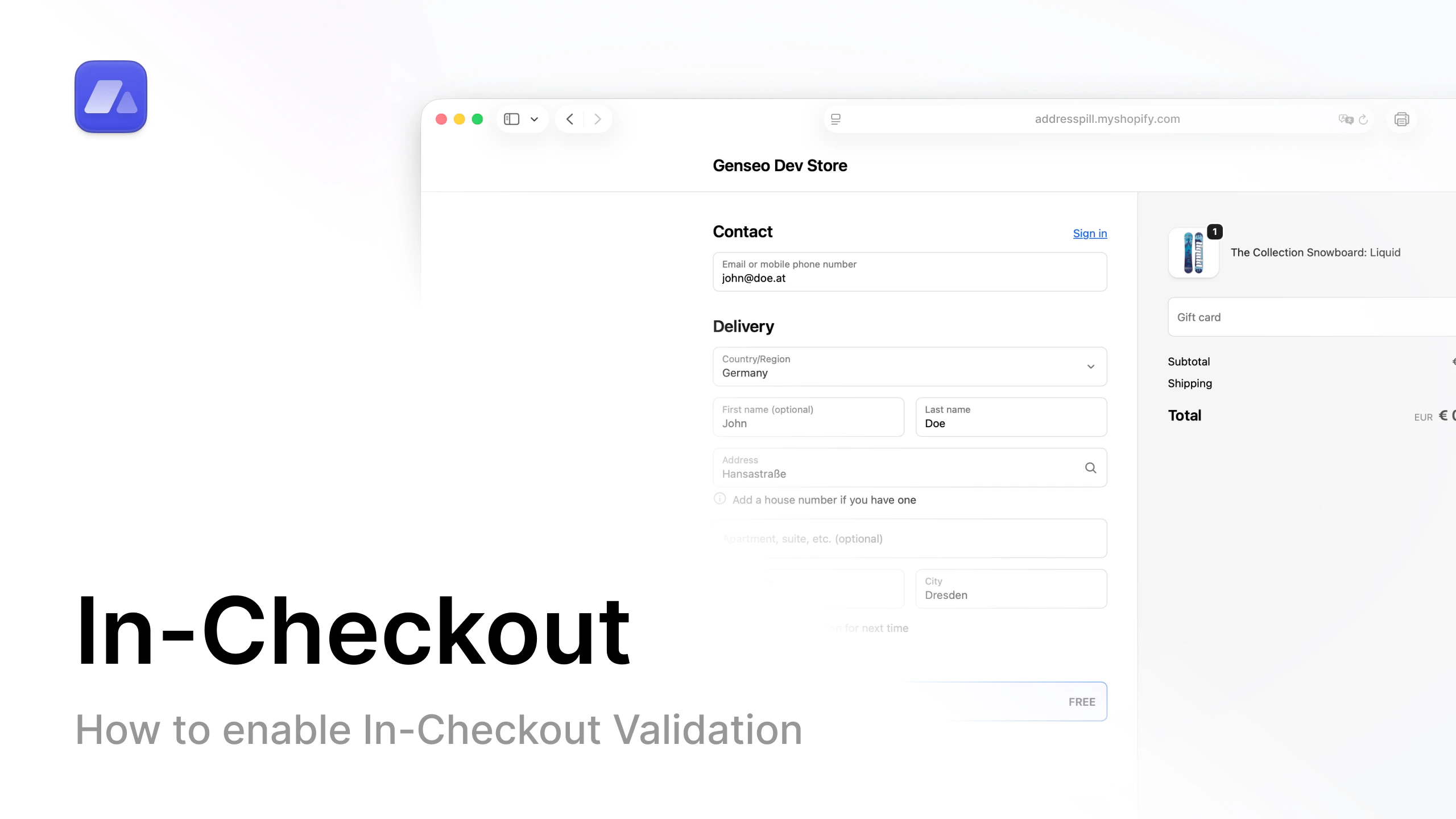
Watch tutorial
Open the in-checkout setup video on YouTube.
What this does
AddressPill validates the shipping address while the customer is still in checkout.Why this matters
You catch issues before payment. This reduces bad addresses entering your fulfillment pipeline.What you can control
- Require house number
- Check duplicate first/last name
- Detect special characters in address fields
- Detect common email typos
- Block with custom regex pattern
- Set field length limits for address, name, and company
- Choose rule behavior: warning or block checkout