
General walkthrough
This page gives you a quick tour of AddressPill.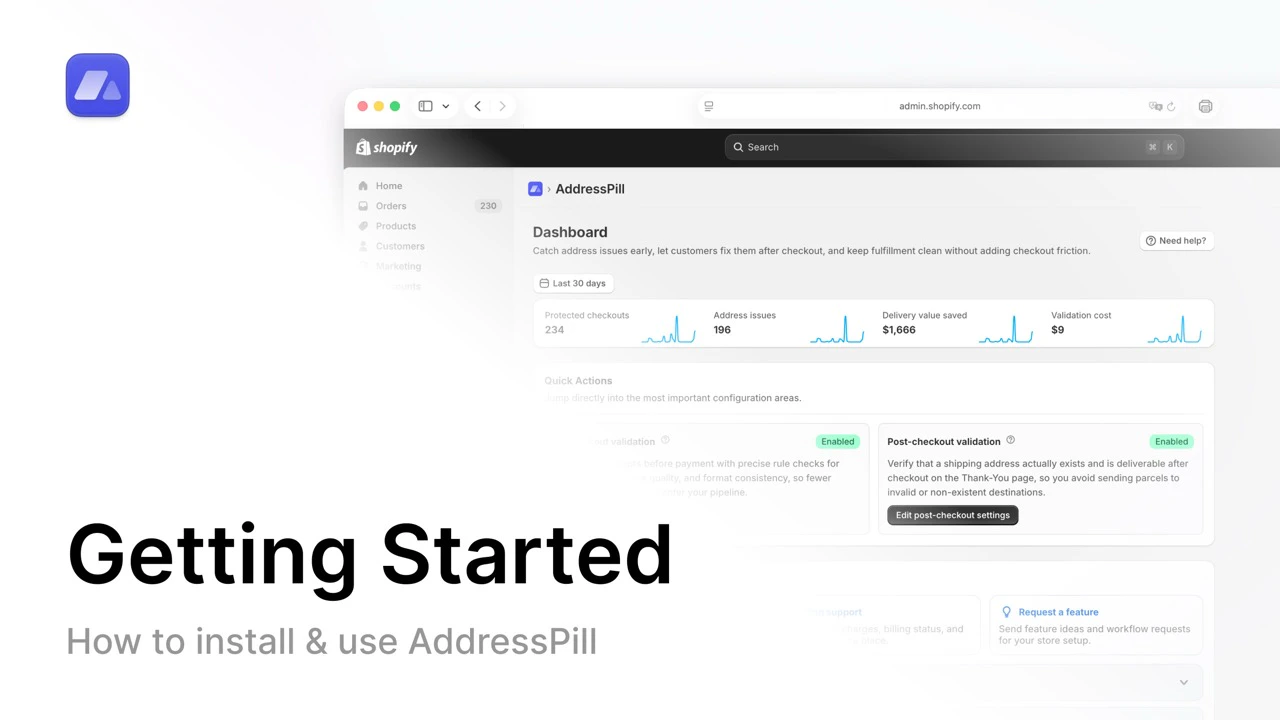
Watch tutorial
Open the full walkthrough video on YouTube.
Dashboard metrics
When you open AddressPill, you see 4 main numbers:- Protected checkouts: how many checkouts were validated
- Address issues: how many address problems were detected
- Delivery value saved: estimated value saved by avoiding failed deliveries
- Validation cost: your validation-related spend
Quick actions
Under the metrics, you see Quick Actions:- In-checkout validation
- Post-checkout validation
Sidebar areas (simple explanation)
- Settings: where you configure all validation behavior
- Support & Billing: support and plan management
Settings tabs you should know
Inside Settings, you can configure:- In-checkout validation
- Post-checkout validation
- Packing stations / PO Boxes
- Tag orders
- Orders on hold
- Automations